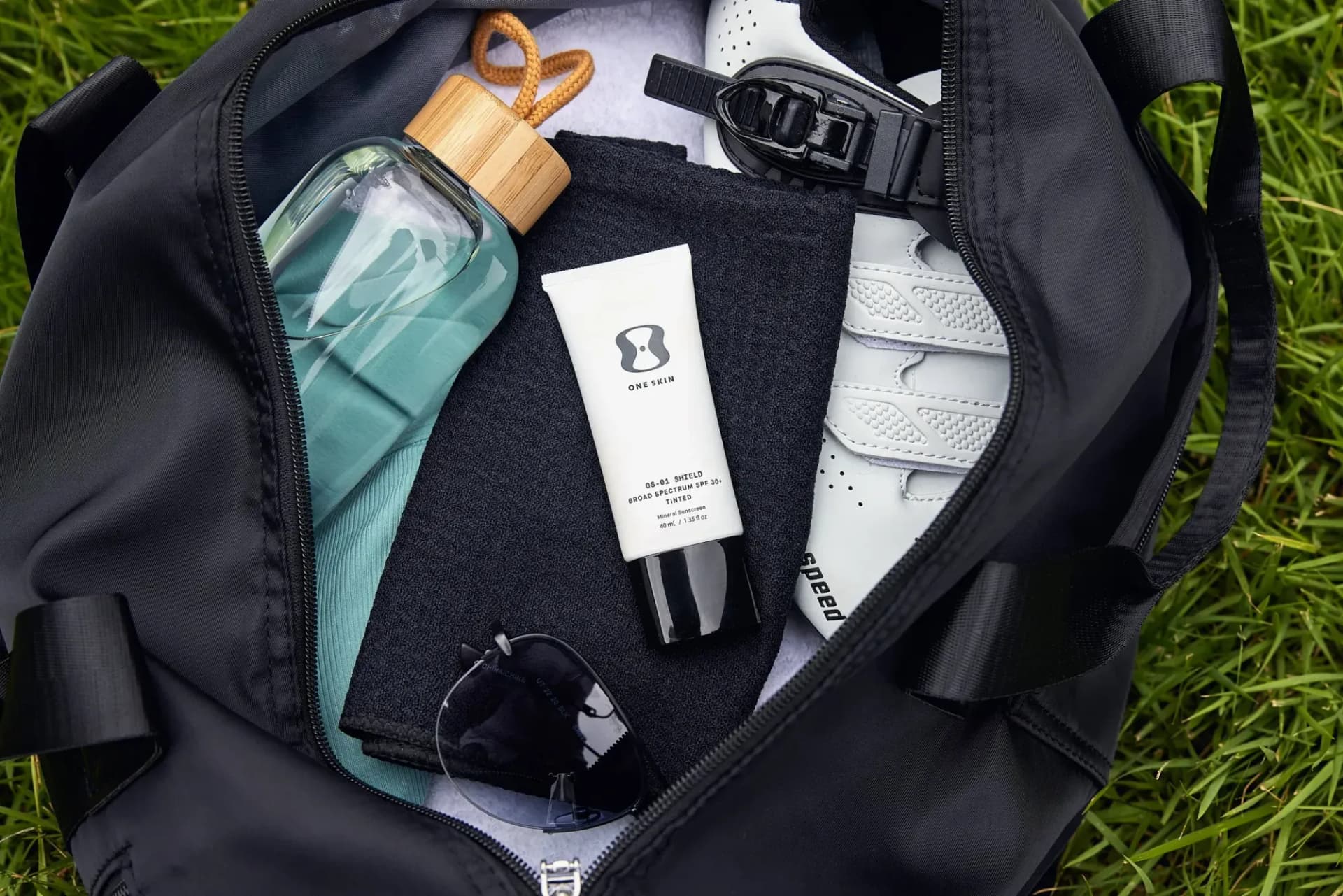
Quick Answer: Shopify recommends square (1:1) product images at 2048x2048 pixels, saved as JPEG, PNG, or WebP under 20MB. But specs alone won't save your conversion rate. This guide covers the technical requirements, the six essential shot types every Shopify product needs, and practical strategies for producing images that actually sell.
If you're running a Shopify store, your product photography is doing one of two things: converting browsers into buyers, or quietly bleeding revenue every single day.
That's not hyperbole. Shopify's own data shows that 75% of online shoppers rely on product photos when deciding whether to purchase. A 2024 study by Salsify found that 76% of consumers say image quality is the "very important" factor in their purchase decision: ranking higher than product descriptions, reviews, and even price. And yet, most Shopify stores are running images that don't meet the platform's own recommended specs, let alone the standards that drive real conversions.
This guide covers everything: the exact technical specifications Shopify requires, the shot types that high-performing stores use, mobile optimization strategies, and how to produce great images efficiently whether you're shooting five products or five hundred.
Shopify Image Specs: The Technical Requirements
Let's start with what Shopify actually requires and recommends. These specs matter because they directly affect how your images display across devices, how fast your pages load, and how your store appears in Google Shopping results.
Resolution and Dimensions
- Minimum: 800 x 800 pixels (below this, images look soft on retina displays)
- Recommended: 2048 x 2048 pixels (this is the sweet spot for quality and file size)
- Maximum: 4472 x 4472 pixels (Shopify will compress anything larger)
- Aspect ratio: Square (1:1) is strongly recommended for consistency across your catalog. Shopify can handle other ratios, but mixed ratios create a messy, uneven product grid.
File Format and Size
- Supported formats: JPEG, PNG, WebP, GIF, HEIC, AVIF
- Maximum file size: 20MB per image
- Best practice: JPEG for standard product photos (best quality-to-size ratio), PNG for images that need transparency, WebP for stores prioritizing page speed
- Target file size: Under 500KB per image after compression. A 2048x2048 JPEG at quality 80-85 typically lands around 200-400KB, which is ideal.
Images Per Product
Shopify allows up to 250 images per product (across all variants). Most high-performing stores use 5-8 images per product. The first image is your hero shot: it appears in collection pages, search results, and social shares, so it needs to be your strongest.
Color Profile
Use sRGB color space. This is the standard for web display. If you shoot in Adobe RGB or ProPhoto RGB (common in professional photography), convert to sRGB before uploading. Failing to do this is one of the most common reasons product colors look "off" in a Shopify store: the customer sees a muted or shifted version of your actual product color.
Why Your Images Are Killing Your Conversion Rate
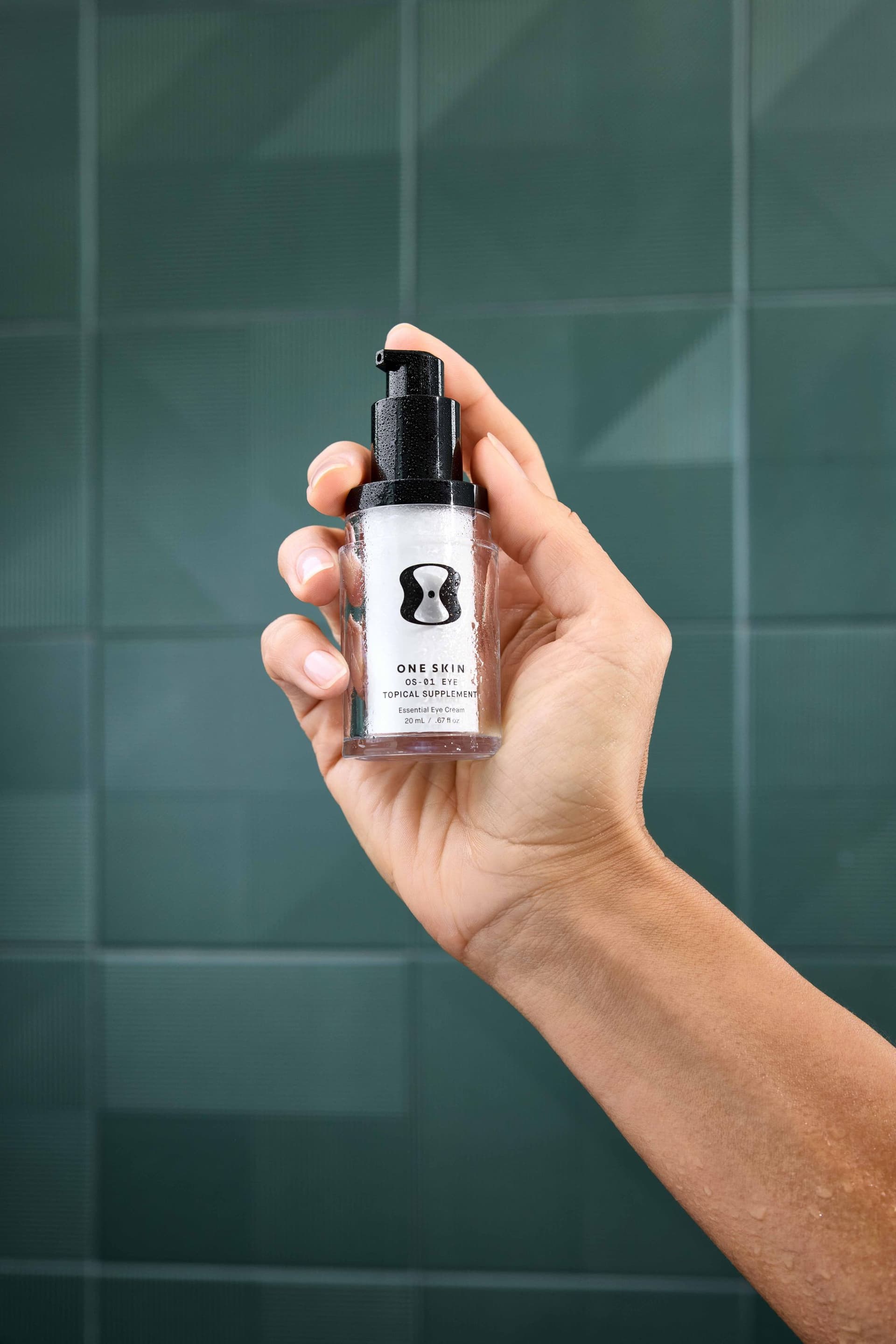
The gap between "having product photos" and "having product photos that convert" is where most Shopify stores lose money.
Consider these numbers:
- Stores with high-quality product images see conversion rates 2-3x higher than stores with basic photography (Shopify Plus, 2024)
- 22% of online product returns happen because the item "looked different than the photo" (Narvar, 2023)
- Product pages with 5+ images convert 50-80% better than pages with a single image (Baymard Institute)
- 33% of shoppers say they've abandoned a purchase specifically because the product photos were low quality (Weebly Commerce Survey)
The math is straightforward. If your store gets 10,000 monthly visitors and converts at 1.5%, that's 150 orders. Improving your photography to push conversion to 2.5% means 250 orders: a 67% revenue increase from the same traffic. At a $75 average order value, that's an additional $7,500 per month. Professional product photography for your entire catalog might cost $3,000-$8,000 once.
The ROI is not subtle. For a deeper look at the numbers, see our breakdown of product photography ROI.
The 6 Essential Shot Types Every Shopify Product Needs
After shooting thousands of Shopify products across dozens of categories, we've found that high-converting product pages consistently use these six shot types. Not every product needs all six, but most need at least four.
1. Hero Shot (White Background)
This is your primary product image: clean, centered, on a pure white background. It appears in collection pages, Google Shopping, comparison engines, and social media previews. It needs to be flawless.
Requirements: - Pure white background (RGB 255, 255, 255: more on this below) - Product fills 80-85% of the frame - Consistent lighting with no harsh shadows - True-to-life color accuracy - Shot from the most recognizable angle
This is the image that does the heaviest lifting in your entire store. If you only invest in one shot type, make it this one.
2. Lifestyle/Context Shot
Show your product being used in a real (or realistic) environment. A candle on a styled nightstand. A backpack on someone walking through a city. Running shoes on an actual runner.
Lifestyle shots answer the question "What will this look like in my life?" They create emotional connection and help shoppers visualize ownership. Stores that include lifestyle imagery alongside standard product shots see measurably higher engagement and lower return rates.
3. Detail/Texture Shot
Close-up shots that highlight materials, craftsmanship, and quality. The stitching on a leather wallet. The texture of a fabric. The clasp mechanism on a piece of jewelry. The ingredient label on a supplement bottle.
Detail shots build trust. They tell the customer "we have nothing to hide." For products where quality and craftsmanship justify a premium price, these are essential.
4. Scale Shot
How big is this thing, actually? Scale shots answer one of the most common customer questions: and one of the top reasons for returns.
Show your product next to a common reference object: a hand, a coin, a standard coffee mug. Or show it being worn/held by a model. Dimension callouts in your product description help, but a visual scale reference is far more effective.
5. Packaging Shot
For brands that invest in their unboxing experience, show it off. The packaging shot demonstrates professionalism, creates anticipation, and is especially important for gift-oriented products.
Even if your packaging is simple, a clean shot of the sealed product shows customers exactly what will arrive at their door. This reduces "is this legit?" anxiety, particularly for newer or lesser-known brands.
6. Multiple Angles
Show the product from at least 3-4 angles: front, back, side, and three-quarter view. For apparel, include front, back, and detail views on a model. For electronics, show every port, button, and connection point.
The more angles you provide, the closer you get to replicating the "pick it up and examine it" experience of physical retail. Baymard Institute research shows that the ability to examine products from multiple angles is one of the top three features shoppers want from product pages.
White Background Rules: How to Nail Pure White
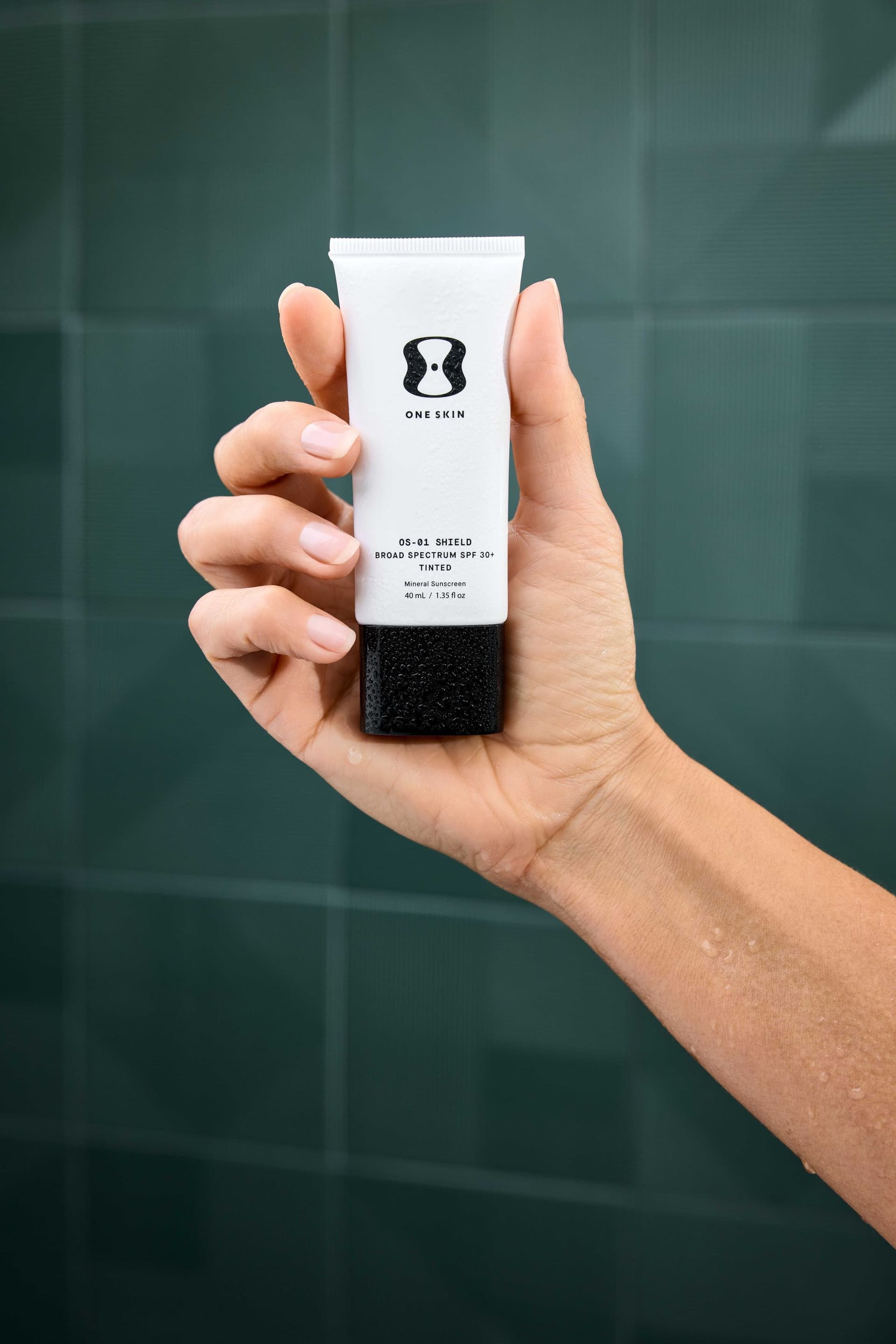
Amazon famously requires pure white backgrounds. Shopify doesn't mandate it, but your hero shots should use it. Here's why and how.
Why Pure White Matters
- Creates a consistent, clean catalog appearance
- Eliminates visual distractions so the product is the focus
- Works seamlessly with Shopify's default white/light theme backgrounds
- Required for Google Shopping and most marketplace integrations
- Makes it easy to swap backgrounds later for seasonal campaigns or A/B testing
How to Achieve True White (255, 255, 255)
Getting a genuinely white background in-camera is harder than it looks. The background needs to be overexposed by about 1-1.5 stops relative to the product without spilling light onto the product itself.
In-studio approach: - Light your background separately from your product - Use at least two background lights (one on each side) aimed at your backdrop - Meter the background at roughly +1 to +1.5 stops above your product exposure - Use flags or V-flats to prevent background light from contaminating your product
In post-production: - Use the Levels tool to push the background to 255 without clipping product details - Apply a layer mask to protect the product while adjusting the background - Check with the eyedropper tool: any reading below 250 on any RGB channel will appear as off-white or gray on screen
The shortcut: Many professional studios (including ours) shoot on a controlled light gray background and composite to pure white in post. This gives you more control over product lighting without worrying about background spill. The results are cleaner and more consistent, especially at volume.
Mobile-First: Your Images Need to Work on Small Screens
Here's a number that should shape every decision about your Shopify product photography: over 60% of Shopify traffic comes from mobile devices. For some categories (fashion, beauty, accessories), that number exceeds 75%.
This has real implications for how you shoot and prepare your product images:
Fill the Frame
On a phone screen, your product image is roughly 3 inches wide. Negative space that looks elegant on desktop becomes wasted real estate on mobile. Crop tighter than you think you need to. Your product should fill 80-90% of the frame.
Simplify Compositions
Complex lifestyle shots with multiple elements can become cluttered and confusing at mobile sizes. Keep compositions clean. One product, one clear focal point.
Test on Actual Devices
Before you finalize your images, pull up your product pages on an actual phone. Not a browser simulator: a real phone. Check that:
- Product details are visible without zooming
- Colors appear accurate on a phone display
- Text overlays (if any) are legible
- The pinch-to-zoom experience works smoothly
- Image load times are fast on cellular connections
Optimize File Sizes
Mobile users are often on cellular data. Large image files mean slow load times, and slow load times mean abandoned pages. Google found that 53% of mobile visits are abandoned if a page takes longer than 3 seconds to load. Compress your images aggressively while maintaining visual quality. WebP format can reduce file sizes by 25-35% compared to JPEG at equivalent quality.
AI-Assisted Shopify Product Photography
Here's where things get interesting for Shopify merchants dealing with large catalogs.
Traditional product photography works beautifully: but it scales linearly. Shooting 10 SKUs takes roughly 10x the time and budget of shooting 1 SKU. For Shopify stores with 40, 100, or 500+ products, the math gets painful fast.
At 51st & Eighth, we've built a hybrid workflow that combines traditional photography with AI compositing to solve this exact problem. Here's how it works:
The process: We photograph your products in a controlled studio environment: real products, real lighting, real detail capture. Then we use AI compositing tools to generate lifestyle backgrounds, seasonal variations, and platform-specific crops from those base images. One physical shoot produces 3-5x the deliverable images of a traditional session.
The result: A Shopify merchant with 40-60 SKUs can get a complete image set (hero shots, lifestyle scenes, detail crops) in a single production cycle instead of three or four. The quality matches traditional photography because the product capture is traditional: the AI handles the environment, not the product itself.
What this means for your budget: Instead of choosing between "professional images for 20% of our catalog" and "mediocre images for everything," you get professional-grade images across your entire Shopify store. Pricing typically runs 40-60% less than fully traditional production at the same volume.
If you're managing a growing Shopify catalog and feeling the squeeze between quality and quantity, [see how our AI-assisted production works](/ai-studio) or [get in touch for a custom quote](/contact).
DIY vs Professional: An Honest Breakdown
Not every Shopify store needs a professional photographer on day one. Here's a realistic assessment of when DIY makes sense and when it doesn't.
When DIY Can Work
- You have fewer than 10 SKUs and a limited launch budget
- Your products are simple shapes (boxes, bottles, pouches) without complex textures
- You're testing product-market fit and need "good enough" images to validate demand
- You're willing to invest 15-20 hours learning basic lighting and editing
What you need for decent DIY results: - A lightbox or two softbox lights ($50-$150) - A tripod ($30-$60) - A smartphone with a decent camera (iPhone 12+ or equivalent) - White foam board for bounce fill ($5) - A free editing tool like Canva or GIMP, or Lightroom ($10/month) - Patience. Lots of patience.
When You Need a Professional
- You're spending money on ads. If you're paying to drive traffic to your Shopify store, bad images waste every dollar of that ad spend. The click costs the same whether your images convert at 1% or 3%.
- You sell premium products. Customers calibrate their quality expectations based on your images. Budget photography signals budget products, regardless of your actual quality.
- You have 20+ SKUs. The time investment of DIY at volume becomes impractical. A professional can shoot 30-50 products in a day; DIY might take weeks.
- You're on marketplaces. Amazon, Google Shopping, and other channels have strict image requirements that are difficult to meet consistently without professional equipment and experience.
- Your return rate is above 15%. High returns often trace back to misleading or insufficient product imagery. Investing in better photography is cheaper than processing returns.
The Middle Ground
Many of our Shopify clients start with a hybrid approach. They hire us to shoot their top 20% of products (the bestsellers and hero products that appear on the homepage and in ads) and use DIY or AI-assisted methods for the long tail. As revenue grows, they upgrade the rest of the catalog. This is a perfectly smart strategy.
Quick Pre-Shoot Checklist
Whether you're shooting yourself or working with a studio, run through this list before production day:
Products - [ ] All products cleaned, steamed, lint-rolled, and camera-ready - [ ] Remove all price tags, security tags, and unnecessary stickers - [ ] Prepare backup units for fragile or easily damaged items - [ ] Organize products by category or collection for efficient shooting - [ ] Note any products with color variants that need to be captured
Technical - [ ] Confirm image specs: 2048x2048px, sRGB, JPEG or WebP - [ ] Define your aspect ratio (1:1 square recommended for Shopify) - [ ] Set target file size (under 500KB per image) - [ ] Prepare a naming convention (SKU-angle-variant.jpg) - [ ] Confirm how many images per product (minimum 4, ideal 6-8)
Creative - [ ] Define shot list: hero, lifestyle, detail, scale, packaging, angles - [ ] Select lifestyle props and backgrounds - [ ] Prepare mood board or reference images - [ ] Identify your 3-5 hero products that get the full treatment - [ ] Plan mobile-first: review compositions at phone size
Logistics - [ ] Book studio time or clear your shooting space - [ ] Charge all batteries, clear all memory cards - [ ] Test your lighting setup before production day - [ ] Schedule time for post-production (usually 1-2x shooting time) - [ ] Set a deadline for final images to go live on Shopify
Getting Your Shopify Photography Right
Your Shopify product photography isn't a one-time project. It's an ongoing system that directly impacts revenue. The stores that consistently outperform their competitors treat photography as infrastructure: just as important as their checkout flow, their email sequences, and their ad creative.
Start with the fundamentals: hit Shopify's recommended specs (2048x2048, sRGB, optimized file sizes). Shoot the six essential types for your top products. Test everything on mobile. And build a process that scales as your catalog grows.
If you're ready to upgrade your Shopify product photography, whether that's a focused shoot for your bestsellers or a full catalog overhaul with AI-assisted production, [we'd love to help](/contact). At 51st & Eighth, we work with Shopify merchants at every stage, from first-product launches to 500+ SKU catalogs. We'll build a production plan around your products, your budget, and your growth goals.
[Book a free consultation](/contact) and let's make your product images work as hard as the rest of your business.
Ready to elevate your Shopify product photography?
Get a free quote from Austin's leading product photography studio.
Get a Free Quote →