Quick Answer: AI-composited product photography starts with real studio photography of your actual product, then trains a custom AI model (called a LoRA) on those images, and finally composites the trained product into any environment using professional pipelines like ComfyUI and ControlNet. The result looks real because it starts real. At 51st & Eighth's AI Studio, you can send us one product for a free test before committing.
You've seen AI-generated product images by now. Maybe on a competitor's website, maybe in a pitch deck, maybe scrolling past an ad that made you stop and think: "Wait, is that real?"
Most of the time, you can tell. Something about the lighting feels off. The product looks slightly melted, or the surface texture is wrong, or the shadows don't land where physics says they should. That's because most AI product images are generated entirely from text prompts: the AI is guessing what the product looks like based on a description.
Our approach is fundamentally different. We don't guess. We photograph the real product first, train an AI model on it, and then composite it into any environment we want. The result looks real because the product in the image IS real: captured in a studio with professional lighting and then placed into scenes using AI tools that preserve every material detail.
Here's exactly how that process works, step by step.
Step 1: The Real Product Shot
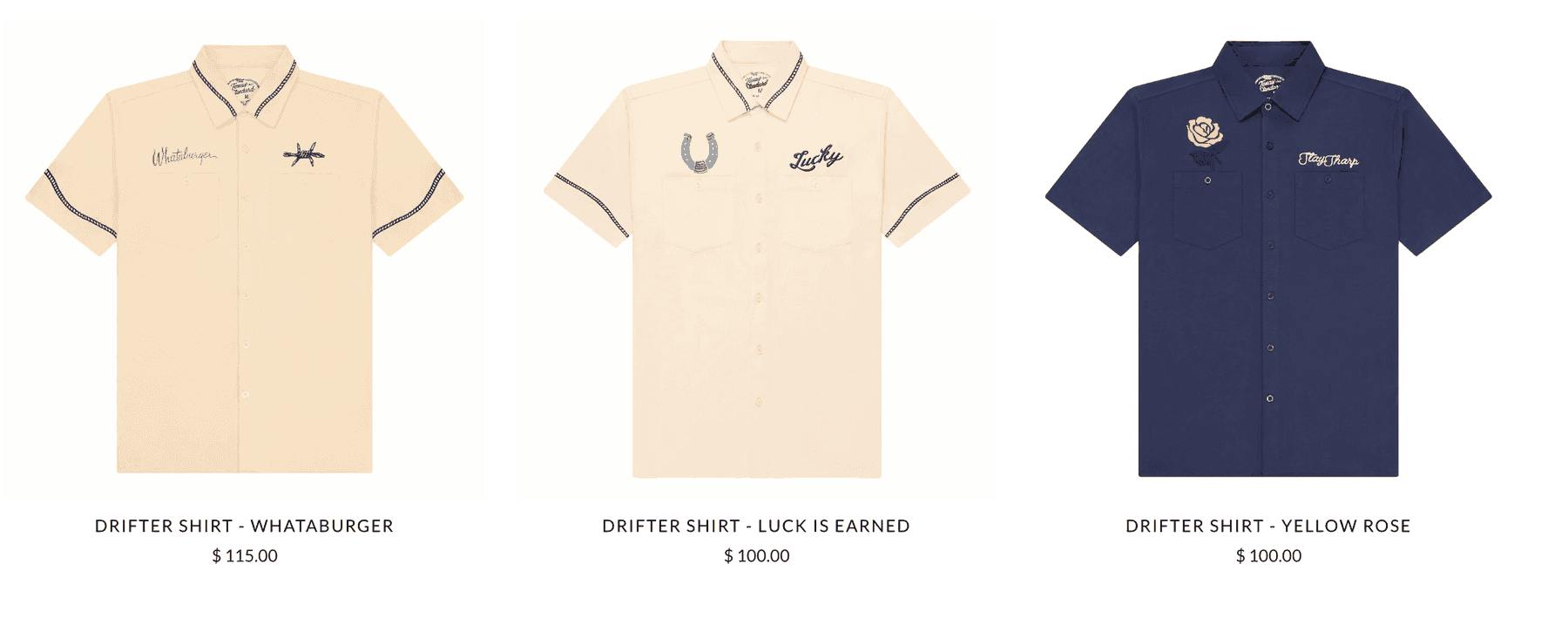
Everything starts in a physical photography studio with the actual product on a table.
This isn't optional. It's the foundation of the entire process, and it's what separates professional AI-composited photography from the prompt-only approach that produces obviously fake results.
Why Real Photography Can't Be Skipped
When you photograph a physical product, you capture information that no text prompt can convey:
- Material behavior under light. How does light scatter through a frosted glass bottle? How does brushed aluminum reflect differently than polished chrome? How does matte packaging absorb light versus glossy packaging? These are physics interactions that AI models trained on general image data simply cannot infer from a product description.
- Exact proportions and geometry. AI models working from prompts have to guess at product dimensions. They'll get close, but "close" means your 12oz bottle sometimes looks like a 16oz bottle. Real photography locks in the exact shape, scale, and proportions.
- Brand-specific details. Label placement, logo positioning, color accuracy, cap design, texture variations between production runs: all of these are captured perfectly in a photograph and imperfectly (at best) through prompt descriptions.
- Surface micro-details. The slight grain on a leather watch band, the tiny bubbles in hand-poured candle wax, the weave pattern on a fabric pouch. These details register subconsciously with viewers and their absence triggers the "something looks off" response.
What the Studio Setup Looks Like
The product photography session for AI training is more structured than a typical e-commerce shoot. We capture:
- Multiple angles: typically 20 to 40 images per product, covering every face, edge, and detail
- Controlled, even lighting: we use diffused studio lighting that reveals material properties without creating harsh shadows that would confuse the AI model during training
- Clean backgrounds: usually white or gray seamless, which isolates the product cleanly for the AI to learn its exact boundaries
- Detail shots: close-ups of texture, labels, closures, and any distinctive features
- Scale references: shots with known-size objects to help the AI maintain proportional accuracy
The whole session takes 30 minutes to an hour per product. It's fast because we're not trying to create final deliverable images here: we're building a training dataset.
Step 2: LoRA Training: Teaching AI What Your Product Looks Like
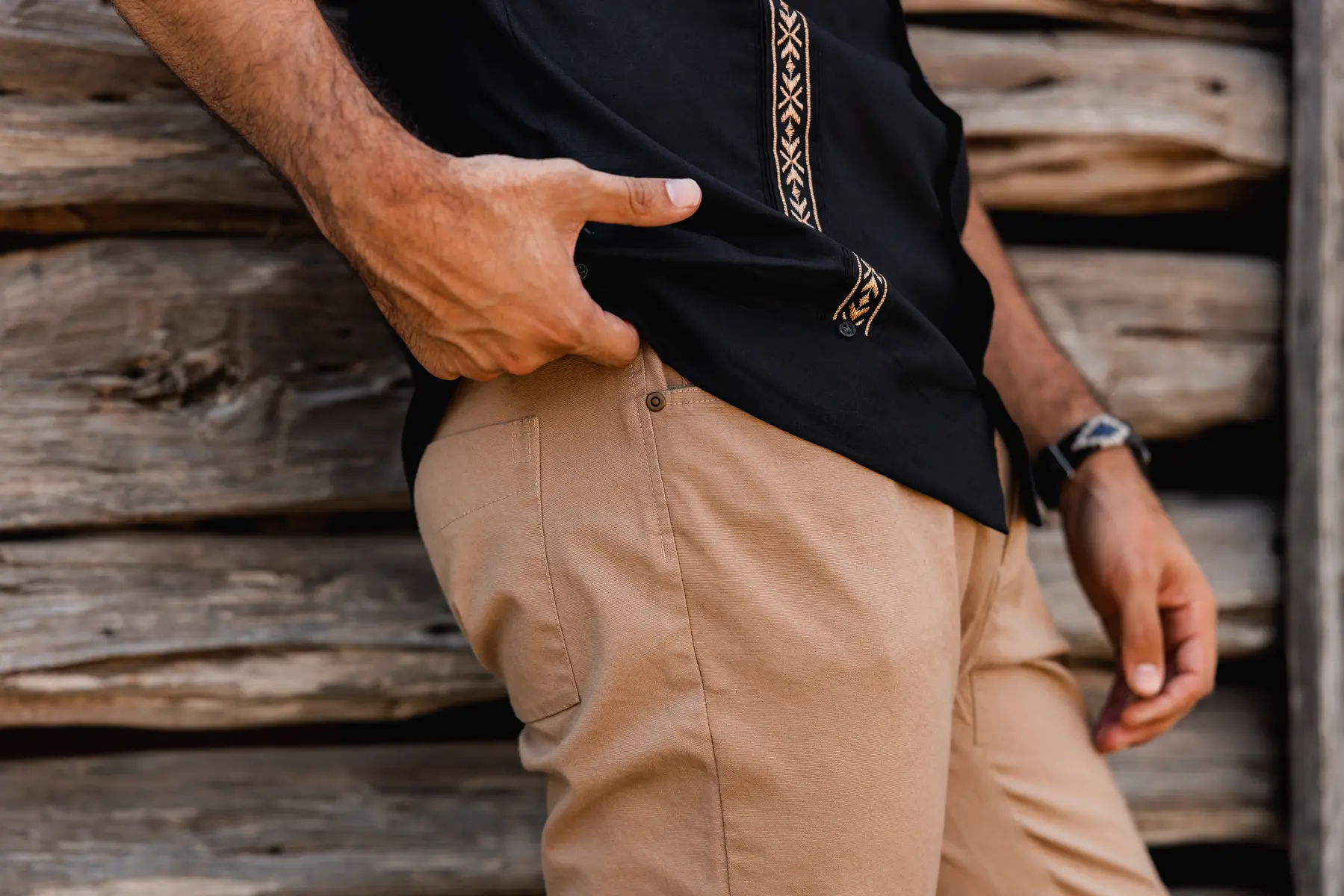
Once we have the studio images, we train a custom AI model on your specific product. The technology we use for this is called a LoRA.
What a LoRA Actually Is
LoRA stands for Low-Rank Adaptation. In simple terms, it's a small, efficient add-on to a large AI image model that teaches it to recognize and reproduce one specific thing: in this case, your product.
Think of it like this: the base AI model (Stable Diffusion, Flux, or similar) already understands general concepts like "bottle on a marble countertop" or "sneaker on a running trail." But it doesn't know what YOUR bottle or YOUR sneaker looks like. The LoRA fills that gap.
Instead of retraining the entire massive AI model (which would cost thousands of dollars and take days), a LoRA adjusts a small number of parameters: typically less than 1% of the full model. This makes training fast, affordable, and product-specific.
What Makes a Good Training Set
Not every set of product photos produces a good LoRA. The quality of the training data directly determines the quality of the output. We've refined our training process through hundreds of product LoRAs and learned what matters:
- Variety of angles. The AI needs to see the product from multiple perspectives to build a complete 3D understanding. If you only provide front-facing shots, it won't render the product convincingly from a 45-degree angle.
- Consistent, neutral lighting. Dramatic lighting in training images teaches the AI that shadows and highlights are part of the product itself, not environmental effects. Flat, even lighting lets the AI learn the product's true appearance.
- Clean isolation. Background noise, props, and other objects in training images can "leak" into the LoRA. The model might start adding elements of a cluttered background into generated scenes.
- Resolution and sharpness. Low-resolution or slightly blurry training images produce a model that generates soft, undefined products. We shoot at high resolution specifically for training clarity.
How Long Training Takes
LoRA training for a single product typically runs 1 to 3 hours on professional GPU hardware. The variables are the number of training images, the complexity of the product (a simple box takes less time than a multi-component gadget), and the number of training iterations we run.
After initial training, we run test generations to evaluate the LoRA's accuracy. If the model isn't capturing a particular detail: say, it's losing the fine text on a label or softening a distinctive edge: we adjust the training parameters and run again. Most products hit production quality in one or two training rounds. Complex products with intricate details might take three.
Step 3: Scene Compositing: Placing Your Product Anywhere
This is where it gets interesting. With a trained LoRA that can accurately reproduce your product, we now composite it into any environment or scene using a professional AI pipeline.
The ComfyUI + ControlNet Pipeline
Our compositing workflow runs on ComfyUI, which is an open-source node-based interface for building AI image generation workflows. Think of it as a visual programming environment where each step of the image creation process is a distinct, configurable node.
Within ComfyUI, we use ControlNet: a neural network architecture that lets us control the spatial composition of generated images with precision. ControlNet is what allows us to say "place this product HERE in this scene, at THIS angle, with THIS lighting direction" rather than just hoping the AI puts things in the right place.
The compositing process works like this:
1. Scene definition. We either generate a base environment (kitchen countertop, outdoor patio, lifestyle flat-lay) or use a reference image to establish the scene's look and feel. 2. Product placement. Using the trained LoRA, we generate the product within the scene. ControlNet guides the placement, angle, and scale based on reference poses we define. 3. Lighting matching. We adjust the generation parameters so the product's lighting direction, color temperature, and intensity match the environment. If the scene has warm afternoon light coming from the left, the product's highlights and shadows must reflect that. 4. Shadow generation. Natural-looking shadows are one of the hardest things to get right. We use depth maps and lighting models to ensure the product casts physically accurate shadows on the surface it's sitting on. 5. Surface interaction. Products don't just sit on surfaces: they interact with them. A glass bottle on a marble counter should show subtle reflections in the marble. A shoe on wet pavement should have moisture interaction at the sole. These details are what separate convincing compositions from obvious fakes.
Why This Beats Prompt-Only Generation
With a prompt-only approach (like typing "skincare bottle on a bathroom shelf" into Midjourney or DALL-E), the AI is generating everything from scratch: including the product itself. The result might look aesthetically pleasing, but the product won't match your actual product. The label will be wrong. The shape will be approximate. The materials won't behave correctly.
With our LoRA-based approach, the product in every single generated image is YOUR product, faithfully reproduced from real photography data. The AI is handling the environment, the lighting interaction, and the composition: but the product itself is anchored in reality.
Step 4: Quality Control: The Human Layer
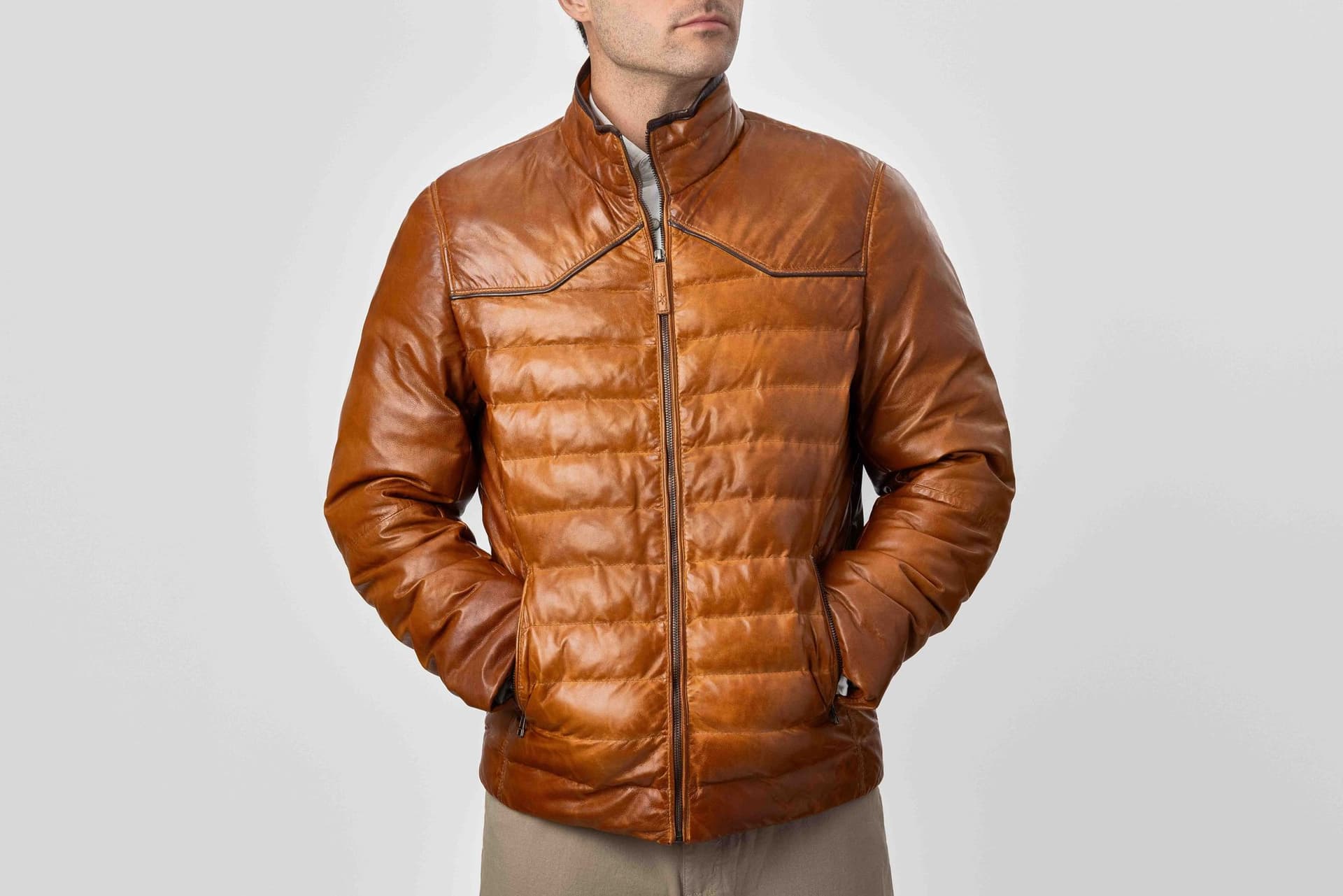
AI generates. Humans decide what ships.
Every image that comes out of our compositing pipeline goes through multi-stage quality review before it reaches a client. This is non-negotiable, and it's a step that many AI photography providers skip (to their clients' detriment).
What We Check
Color accuracy. Does the product's color in the composite match the real product? AI models can drift on color, especially with unusual shades or metallic finishes. We compare every composite against the original studio reference shots.
Physics compliance. Do shadows fall in the right direction? Does the product's weight look correct on the surface? Are reflections consistent with the environment's light sources? Is the perspective angle natural, or does it look like the product was pasted in (the number one giveaway of bad composites)?
Material fidelity. Does the glass still look like glass? Does the matte finish still look matte? AI models sometimes "average out" textures, making everything look slightly plastic. We check for material accuracy at the pixel level.
Label and branding integrity. Text on labels is notoriously difficult for AI models. We verify that every word, logo, and brand element is legible and accurate. If the AI has introduced artifacts into the label, that image gets rejected.
Scale consistency. If we're generating a product series or multiple SKUs in similar scenes, every product needs to maintain correct relative sizing. A 2oz sample shouldn't look the same size as a 16oz full-size bottle.
The Uncanny Valley Problem
The "uncanny valley" concept originally described human faces that look almost real but trigger discomfort because of subtle wrongness. The same principle applies to product photography.
An AI-composited product image can be 95% perfect and still feel wrong if:
- The specular highlight on a glossy surface is slightly too sharp or too soft
- The product's edge against the background has a faint halo or blending artifact
- The shadow is half a shade too dark or too light for the scene
- The product is sitting on a surface but doesn't quite look like it has weight
These are the details we catch in QC. We've reviewed thousands of AI-composited images and built an internal checklist of the 30+ most common failure modes. Each image gets checked against every item on that list.
Images that fail get either re-generated with adjusted parameters or manually retouched. Approximately 20-30% of initial generations require some level of correction. That percentage has decreased steadily as our LoRA training and compositing workflows have improved, but it's never zero: and any provider claiming 100% first-pass success is either lying or not looking closely enough.
Step 5: Delivery: What You Actually Get Back
Once images pass QC, we prepare final deliverables tailored to each client's specific needs.
File Formats and Resolution
Standard delivery includes:
- High-resolution master files: typically 4000x4000 pixels or higher, in PNG (for transparency support) or TIFF (for maximum quality)
- Web-optimized versions: compressed JPEG or WebP at appropriate resolutions for e-commerce platforms (Amazon requires different specs than Shopify, which requires different specs than direct-to-consumer sites)
- Social media crops: formatted for Instagram (1:1, 4:5, 9:16), Facebook, Pinterest, and other platforms as needed
- Print-ready files: 300 DPI CMYK versions for packaging, catalogs, or retail displays
Platform-Specific Optimization
Different e-commerce platforms have specific image requirements, and AI-composited images need to meet all of them:
- Amazon: Pure white background (RGB 255,255,255) for main images, lifestyle images for A+ Content, minimum 1000px on longest side for zoom functionality
- Shopify: Consistent aspect ratios across the store, optimized file sizes for page speed, lifestyle context images for collection pages
- DTC websites: Brand-consistent styling, hero-width images, mobile-responsive crops
We deliver everything pre-formatted so brands can upload directly to each platform without additional editing.
What a Typical Project Includes
Most AI Studio projects deliver between 20 and 100+ final images per product. That might include:
- 6-8 hero lifestyle shots (product in different environments)
- 4-6 detail/feature shots
- 3-5 scale/context shots
- Platform-specific crops of all of the above
The volume is one of the biggest advantages of this approach. Once the LoRA is trained, generating additional scenes is dramatically faster and cheaper than setting up additional physical photo shoots. For more on what this costs, see our AI photography pricing breakdown.
Why This Approach Beats Pure AI Generation
Let's be direct about the comparison, because brands evaluating AI photography options will encounter both approaches.
Prompt-Only Generation (Midjourney, DALL-E, etc.)
- Product accuracy: Low. The AI generates an approximation of your product based on text description. Labels, proportions, materials, and colors will be approximate at best.
- Brand consistency: Very low. Each generation produces a slightly different version of the "product." Across a campaign of 50 images, you'll have 50 slightly different products.
- Material fidelity: Low to moderate. AI models trained on internet-scale data understand general material categories but miss product-specific material behaviors.
- Scalability: High volume possible, but quality degrades without manual intervention.
- Cost: Very low ($0-100 for prompt-based tools). But you get what you pay for.
Trained-Model Approach (LoRA + Compositing)
- Product accuracy: Very high. The AI has been specifically trained on your actual product from real photographs. What appears in the image IS your product.
- Brand consistency: High. The same LoRA produces the same product in every generation, maintaining consistency across hundreds of images.
- Material fidelity: High. Training on real photographs captures actual material behavior under light.
- Scalability: High volume with consistent quality. Additional scenes leverage the same trained model.
- Cost: Moderate ($3,000-$15,000 for most projects, per our pricing guide). Dramatically less than equivalent traditional production.
The difference is most visible with products that have distinctive materials, detailed labels, or complex geometries. A plain white mug might look fine from a prompt. A craft spirits bottle with an embossed label, a foil stamp, and amber-tinted glass? Only the trained-model approach will get that right.
For a deeper dive on using AI photography for e-commerce specifically, see our complete guide to AI product photography for e-commerce brands.
Common Misconceptions
"It's just Midjourney with extra steps"
Midjourney is a general-purpose image generation tool. It doesn't know what your product looks like. Typing "my product on a kitchen counter" into Midjourney produces a generic product on a kitchen counter. Our process trains a custom model specifically on your product, producing images of YOUR actual product in any environment. The difference is like asking a sketch artist to draw someone from a verbal description versus drawing them from a photograph.
"You can always tell it's AI"
You can tell when it's BAD AI. Prompt-only generation produces telltale signs: warped text, inconsistent materials, physically impossible shadows, that general "plastic" look. Properly executed AI compositing from trained models avoids these issues because the product data is grounded in real photography. Our clients regularly show AI-composited images to their own teams without anyone flagging them as AI-generated.
"It only works for simple products"
Early AI tools struggled with complexity, but LoRA-based approaches handle intricate products well. We've successfully trained models on multi-component electronics, textured fabric goods, transparent glass products with detailed labels, reflective metallic surfaces, and products with multiple material types in a single item. Complexity requires more training images and more QC attention, but it doesn't break the process.
"Traditional photography is always better"
For certain applications, traditional photography is still the right choice. Hero brand campaigns where human models interact with the product, product photography that needs to show the item being used in action, and situations where a single perfect image justifies a $20,000 shoot: these are cases where traditional wins. But for catalog-scale imagery, seasonal campaign refreshes, platform-specific variations, and rapid content scaling, AI compositing delivers comparable quality at a fraction of the cost and timeline. The smartest brands use both approaches strategically.
"The product won't look exactly like the real thing"
This concern is understandable but misplaced when working with trained models. The LoRA IS your product. It learned from 20-40 high-resolution photographs of the actual item. Color, shape, texture, label placement, material behavior: all captured from reality. That said, QC matters enormously. Without rigorous human review, subtle inaccuracies can slip through. That's why the quality control step is non-negotiable.
Frequently Asked Questions
How long does the entire AI photography process take from start to finish?
Most projects complete in 2 to 3 weeks. The breakdown is roughly: 1-2 days for product shipping and intake, 1 day for studio photography, 2-3 days for LoRA training and validation, 5-7 days for scene compositing and QC, and 1-2 days for final delivery preparation. Rush timelines of 7-10 days are possible for simpler products.
Do I need to send you the physical product?
Yes. Real studio photography of the actual product is the foundation of the entire process. Ship us one unit (we'll return it), and we handle the rest. This is what separates our approach from prompt-only services that work from product descriptions or existing photos you upload.
How many final images do I get?
Most projects deliver 20 to 100+ images per product, depending on the scope. This includes hero lifestyle shots, detail images, and platform-specific crops. Because the LoRA is reusable, adding more scenes later is fast and cost-effective. Check our AI Studio page for typical project packages.
Can you match a specific brand aesthetic or art direction?
Absolutely. The compositing step is fully art-directed. We work from mood boards, reference images, brand guidelines, and specific scene descriptions. Want your product in a Scandinavian-minimal kitchen? A moody cocktail bar? A sun-drenched outdoor patio? We can build any environment and match any visual style.
What if I'm not happy with the results?
Every AI Studio project starts with a test phase: we'll composite your product into 2-3 scenes for review before scaling to full production. If the direction isn't right, we adjust. If you want to see what this looks like before committing to a project, send us one product for a free test. No contract, no obligation.
How does AI-composited photography compare in cost to traditional product photography?
AI compositing typically costs 50-70% less than equivalent traditional production, primarily because it eliminates location fees, large crew costs, and prop/set construction. A traditional product shoot producing 50 lifestyle images might cost $15,000-$40,000. The equivalent AI-composited project typically runs $5,000-$12,000. For detailed pricing tiers, see our 2026 AI photography pricing guide.
Ready to elevate your AI product photography?
Get a free quote from Austin's leading AI product photography studio.
Get a Free Quote →