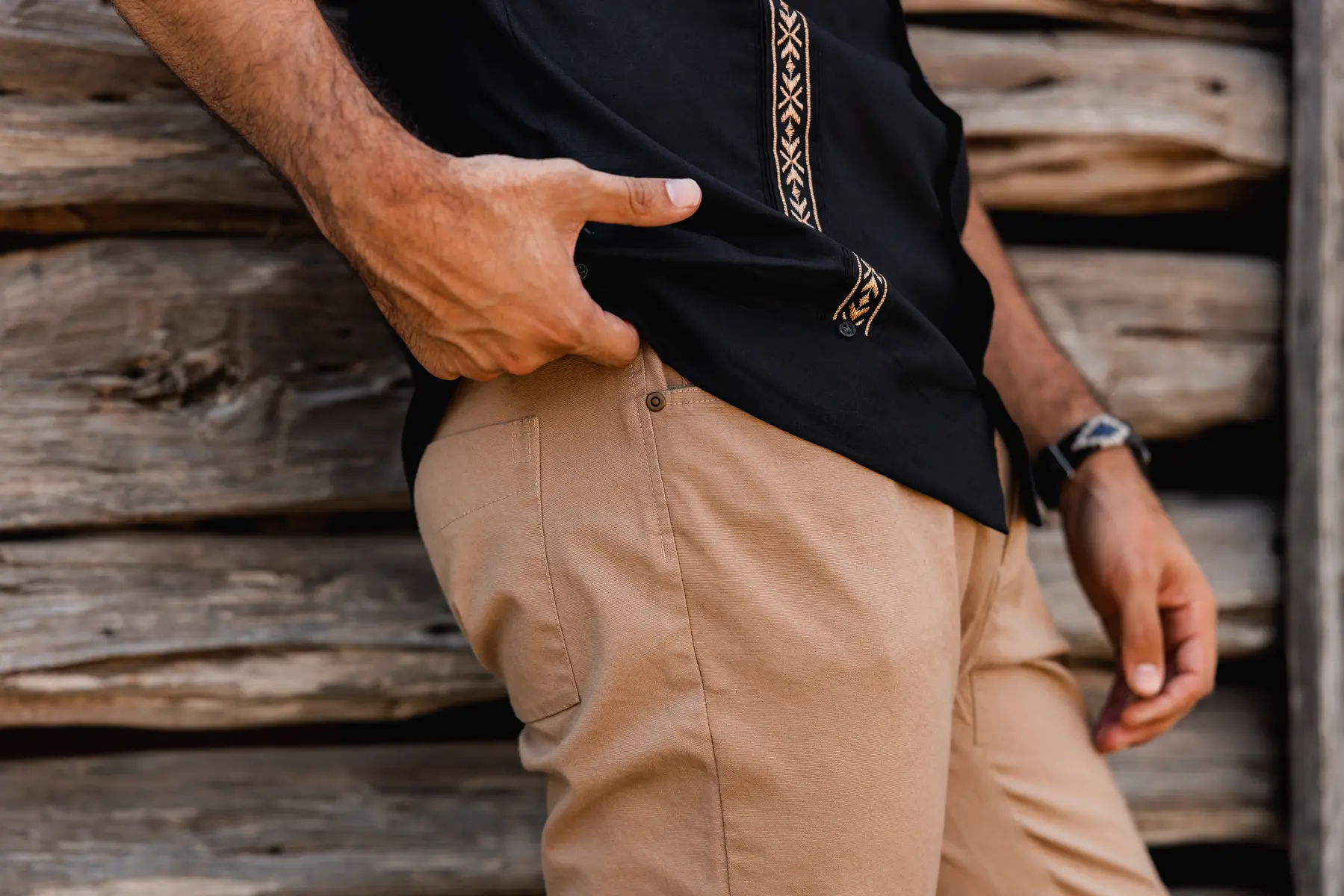
Quick Answer: AI is a real production tool: not a replacement for photography. It excels at high-volume SKU work, background variations, and seasonal updates (cutting costs 40–70%), but falls short for accurate product generation, complex human interactions, and large-format print. Most successful agencies use a hybrid approach: traditional photography for hero assets, AI for scale.
If you've spent any time on LinkedIn or marketing Twitter in the last year, you've seen the AI hype cycle in full swing. Some people claim AI is replacing photographers and creative directors. Others dismiss it as a gimmick that can't match human artistry. The truth, as usual, sits somewhere in the middle: and understanding where that middle ground actually is will determine whether you waste money on AI snake oil or capture real competitive advantages.
According to a 2024 McKinsey survey, 71% of marketing teams have integrated at least one AI tool into their creative workflow: yet fewer than a third report using AI for final client-facing deliverables, underscoring the gap between experimentation and production-ready use. A Forrester study found that brands using AI-enhanced post-production workflows reduced per-image costs by an average of 52% without measurable loss in customer-reported quality for digital channels.
We're 51st & Eighth, a creative production agency in Austin that uses both traditional photography and AI-enhanced workflows daily. We've spent the last two years testing AI tools, integrating them into client projects, and learning what works and what's still science fiction. This isn't a sales pitch for AI: it's an honest assessment of what AI can and can't do in creative production today, and where we think the industry is heading.
What AI Actually Means in Creative Production
"AI" is a marketing term that covers a lot of different technologies. When we talk about AI in creative production, we're usually referring to:
Generative AI (Image Creation)
This is what most people think of when they hear "AI art." Tools like: - Midjourney, DALL-E, Stable Diffusion, Flux (text-to-image generation) - Adobe Firefly, Canva AI (integrated into design tools) - Runway, Pika (AI video generation)
These models create images from text prompts or reference images. Type "modern sneaker on concrete steps with morning light," and the AI generates a photorealistic image.
The game-changer: You can create high-quality visuals without a physical photoshoot. The limitation: The AI doesn't create reality: it simulates what it thinks reality looks like based on training data.
AI-Enhanced Workflows (Augmentation, Not Replacement)
This is where AI gets practical for commercial work: - Background generation (AI creates environments around real product photos) - Image compositing and editing (removing backgrounds, object removal, smart retouching) - Upscaling and enhancement (improving resolution, sharpness, detail) - Batch processing (applying consistent edits across hundreds of images) - Concept development (rapid mockups before committing to production)
This approach uses AI to make traditional production faster, cheaper, or more flexible: not to replace it entirely.
AI-Assisted Creative Direction
Newer tools help with the creative process itself: - Mood board generation (AI curates visual references based on brief) - Color palette extraction (AI analyzes top-performing images in your category) - A/B testing optimization (AI predicts which images will perform better) - Trend analysis (AI identifies emerging visual styles in your industry)
This is less about creating final assets and more about making better creative decisions faster.
What AI Can Actually Do Well Today
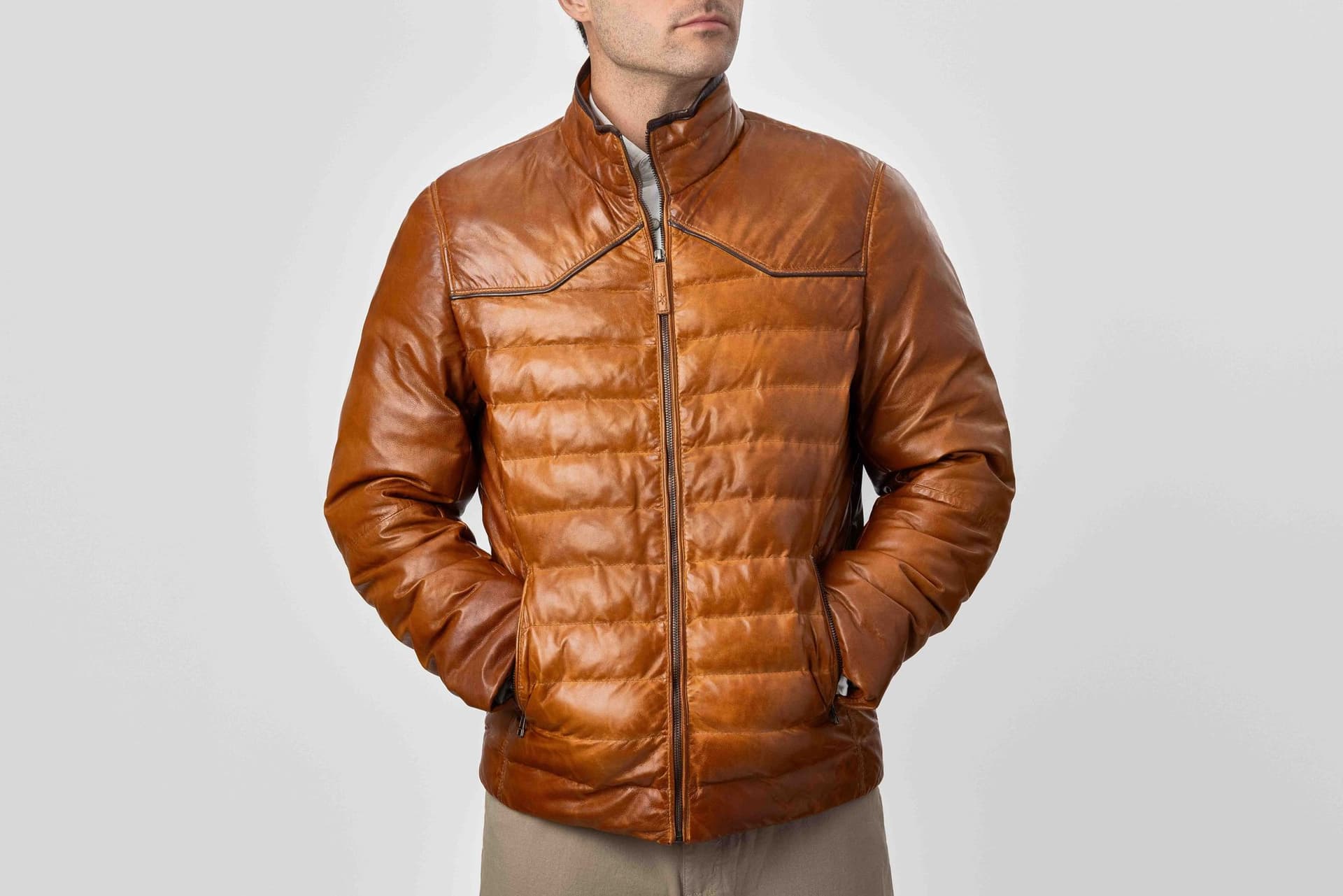
Let's start with where AI delivers real value in production: not hype, not theory, but proven use cases we deploy for clients.
1. High-Volume Product Photography with Consistent Backgrounds
Use Case: You have 50+ SKUs that need e-commerce images on clean, consistent backgrounds.
Traditional Approach: Shoot each product individually in a studio. Post-production team edits backgrounds. Timeline: 3-4 weeks. Cost: $5,000-$15,000.
AI-Enhanced Approach: Shoot each product once on a neutral background. Use AI to generate consistent backgrounds (white seamless, marble countertop, lifestyle scenes) and composite the real product into each environment. Timeline: 1-2 weeks. Cost: $2,000-$5,000.
Why It Works: The product stays real and accurate (critical for e-commerce trust). Only the background varies, and AI is excellent at generating consistent, clean environments.
Client Win: A beverage brand we work with needed 40 SKUs shot in three different seasonal environments (summer, fall, holiday). Traditional production would require three separate shoots or extensive post-production compositing. With AI, we shot each product once and generated all three environments in a single workflow. Delivered in 10 days instead of 6 weeks.
2. Rapid Creative Concept Testing
Use Case: You're planning a campaign and want to test multiple creative directions before committing to a full production budget.
Traditional Approach: Create mood boards from stock photos or commission concept sketches. Limited by available references. Hard to visualize final output.
AI-Enhanced Approach: Generate 10-20 concept mockups using AI based on your brief. Test different: - Visual styles (minimalist, maximalist, editorial, lifestyle) - Color palettes (warm, cool, monochrome, saturated) - Compositions (product-focused, environmental, lifestyle) - Moods (energetic, calm, sophisticated, playful)
Why It Works: AI generates high-quality mockups in hours, not weeks. Clients can see near-final concepts before investing in full production. Once a direction is approved, we execute with traditional or AI-enhanced methods.
Client Win: An Austin hospitality brand wanted to refresh their website imagery but wasn't sure which direction to pursue (bright and airy vs. moody and intimate). We generated 15 AI mockups across both styles in a day. They selected the moody direction, and we shot the final campaign traditionally. Total time saved: 2 weeks of concept development and revision.
3. Seasonal and Thematic Variations
Use Case: You need the same products shot in different seasonal or thematic contexts (holiday, summer, back-to-school, etc.).
Traditional Approach: Either shoot everything in one marathon session with multiple set changes, or book separate shoots for each season. Expensive, time-consuming, logistically complex.
AI-Enhanced Approach: Shoot products once in a controlled studio environment. Use AI to generate seasonal backgrounds and lighting moods. Drop the real product into each environment.
Why It Works: Products don't change season to season: only the context. AI excels at generating environmental variations while keeping the product accurate.
Client Win: A Texas-based apparel brand needed their fall collection shot for both "urban Austin" and "outdoor Hill Country" contexts. We shot the products once and generated both environments with AI. Delivered 50 final images in 2 weeks instead of scheduling two separate location shoots.
4. Background Removal and Object Isolation
Use Case: You need product images on transparent backgrounds for flexible design use.
Traditional Approach: Manual masking in Photoshop: tedious, time-consuming, expensive for high volumes.
AI-Enhanced Approach: AI tools (Remove.bg, Adobe Sensei, Photoshop AI) automatically detect product edges and generate clean masks in seconds.
Why It Works: AI has gotten very good at edge detection and subject isolation, especially for well-defined products. What used to take 15 minutes per image now takes 15 seconds.
Client Benefit: Faster turnaround, lower cost, more flexibility in how you use images across different backgrounds and layouts.
5. Image Upscaling and Enhancement
Use Case: You have existing product images that are too low-resolution for new uses (print, large-format displays, high-res web).
Traditional Approach: Reshoot the products at higher resolution. Expensive and time-consuming if products are out of stock or discontinued.
AI-Enhanced Approach: Use AI upscaling tools (Topaz Gigapixel, Magnific AI) to increase resolution while adding detail and sharpness.
Why It Works: Modern AI upscaling doesn't just enlarge pixels: it intelligently reconstructs detail based on patterns in the image. Results are often indistinguishable from native high-res captures.
Limitation: Works best on well-lit, sharp originals. Can't fix fundamental problems like poor focus or bad composition.
What AI Still Can't Do (Or Does Poorly)
Now for the reality check. Here's where AI falls short: and where traditional production is still the gold standard.
1. Accurate Product Representation (When Generated from Scratch)
The Problem: AI models that generate products from text prompts don't create your actual product: they create what the AI thinks a product like that looks like based on training data.
Why It Fails: Colors shift. Logos get mangled. Product details hallucinate. Text becomes gibberish. Proportions drift. If you're selling a product, you can't use an AI-generated approximation: customers expect accuracy.
The Fix: Always start with real product photography. Use AI for environments and compositing, not product generation.
Example of Failure: A client asked if we could "just generate" images of their new water bottle without shipping samples. We tested it. The AI produced bottles that were close but wrong: cap shape was off, logo was distorted, proportions were weird. Not usable for e-commerce. We shot the real product instead, then used AI for background variations.
2. Complex Human-Product Interactions
The Problem: AI struggles with realistic depictions of humans using, wearing, or interacting with products.
Why It Fails: Hands are still AI's nemesis (they're getting better, but not perfect). Body proportions drift. Facial expressions look uncanny. Interactions between objects feel stiff or unnatural.
The Fix: Use traditional photography with models for lifestyle shots. AI can assist with backgrounds or environment enhancement, but the human element needs to be real.
Example of Failure: We tested generating images of a model holding a coffee mug for a cafe client. The AI produced images where fingers had too many joints, the mug handle was at impossible angles, and the model's gaze felt lifeless. We scrapped it and shot with a real model. Took 2 hours on set, looked infinitely better.
3. Authentic Location Photography
The Problem: AI-generated environments look generically good but lack the specificity and authenticity of real locations.
Why It Fails: If your brand story depends on "shot in the mountains of Colorado" or "photographed on the streets of Austin," AI-generated versions won't carry the same emotional weight or credibility.
The Fix: Shoot on location when authenticity matters. Use AI when speed and cost are more important than provenance.
Example of Tradeoff: A Texas tourism client needed images of landmarks. AI could generate impressive Austin skylines, but they didn't look like the actual view from specific locations. For that project, real location photography was non-negotiable.
4. Products with Complex Reflections, Transparency, or Materials
The Problem: AI struggles with optical properties like reflections, transparency, refraction, and complex material interactions.
Why It Fails: Glass, chrome, water, sheer fabrics, translucent packaging: all require physics-based light behavior that AI models approximate but don't fully understand.
The Fix: Shoot these products traditionally with specialized lighting techniques. AI can assist with background replacement or minor retouching, but the product capture needs to be real.
Example of Failure: A cosmetics brand asked about AI-generating images of their glass perfume bottles. The AI couldn't handle the complex reflections, transparency gradients, and light refraction. Every test looked flat or fake. We shot the bottles traditionally with controlled lighting to capture the optical beauty.
5. Print and Large-Format Applications (Where Scrutiny is High)
The Problem: AI-generated images often have subtle artifacts, texture inconsistencies, or detail degradation that's invisible at web resolution but obvious when printed large.
Why It Fails: Most AI models are optimized for screen viewing. When you blow them up to billboard size or print quality, issues emerge: weird texture patterns, unnatural sharpness gradients, compression artifacts.
The Fix: Use AI for digital-first applications (web, social media, email). Use traditional photography for print, OOH (out-of-home), and large-format displays.
Example of Caution: A client wanted to use AI-generated campaign images for both web and a 20-foot billboard. We warned that what looked great at 1080p might not hold up at massive scale. We tested a print proof: sure enough, subtle texture issues were obvious. We reshot the hero image traditionally, used AI for web variations.
When to Use Traditional Production vs. AI-Enhanced Workflows
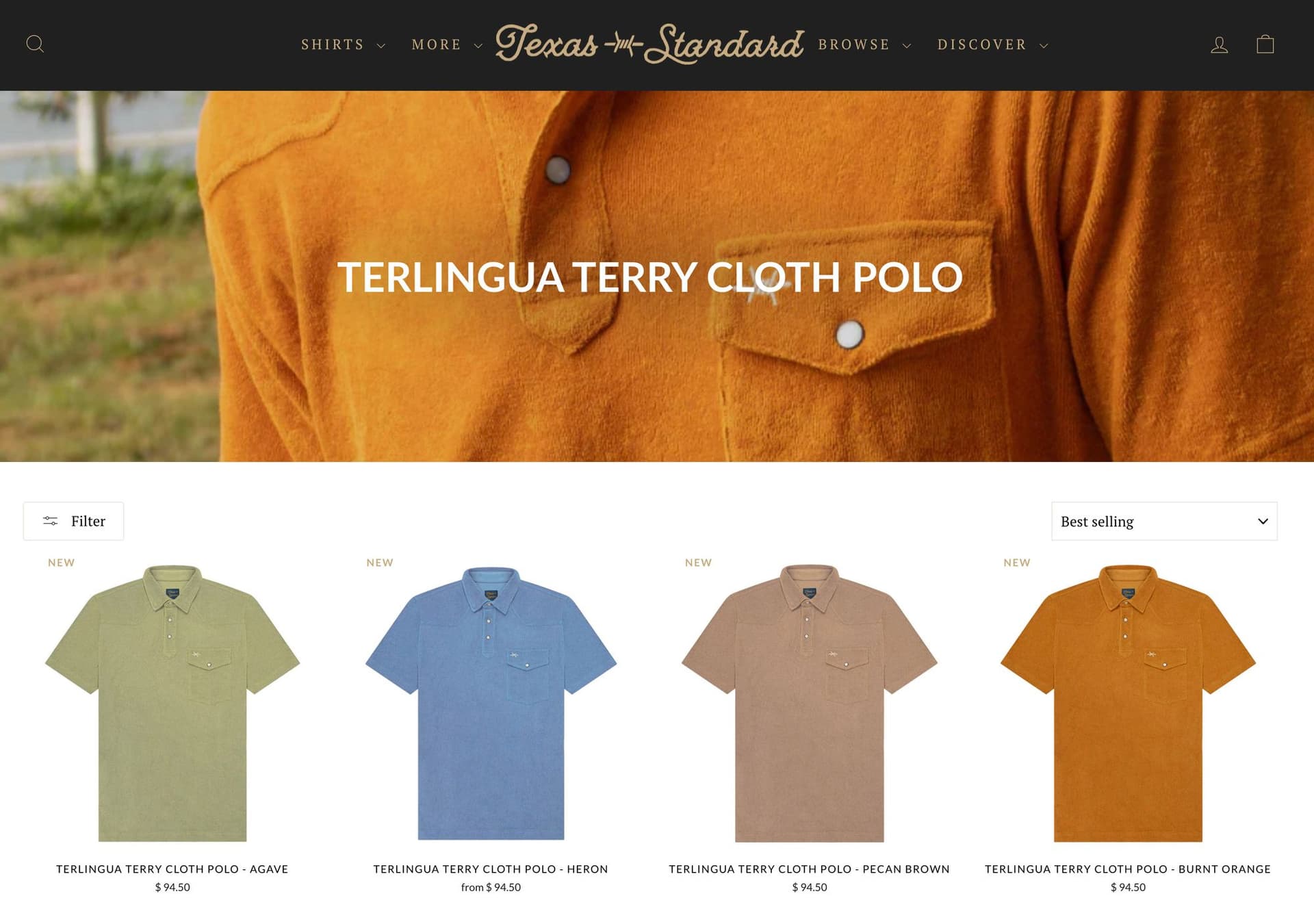
The best creative production teams don't pick sides: they use the right tool for the job. Here's how we decide:
Use Traditional Production When:
- Product accuracy is critical (e-commerce, product launches, legal compliance)
- You need hero campaign images (billboards, magazine ads, brand manifestos)
- Human interaction is part of the story (models wearing apparel, people using products)
- Authenticity and provenance matter (location-based storytelling, artisan crafts)
- Optical complexity is high (glass, chrome, reflections, transparency)
- Print quality at large scale (OOH, trade shows, retail displays)
Use AI-Enhanced Workflows When:
- High volume with consistency (50+ SKUs, e-commerce catalogs)
- Speed is the priority (tight deadlines, rapid iteration)
- Budget constraints exist (AI reduces costs by 40-70% vs. traditional)
- Creative flexibility matters (testing multiple concepts, A/B variants)
- Seasonal or thematic variations (same product, different contexts)
- Digital-first use cases (web, social media, email campaigns)
Use a Hybrid Approach When:
- You need both hero images and high-volume SKU work (traditional for key assets, AI for scale)
- You want to test before committing (AI mockups to validate direction, traditional for final)
- Product + lifestyle combinations (real product, AI-enhanced backgrounds)
- Budget allows for strategic investment (allocate traditional to highest-impact images, AI for the rest)
At 51st & Eighth, about 60% of our projects use a hybrid approach. We shoot hero images and lifestyle scenes traditionally, then use AI to generate variations, seasonal updates, or high-volume SKU work.
Common Client Concerns About AI (And Honest Answers)
"Will AI-generated content hurt my brand's authenticity?"
Honest Answer: It depends on how you use it. AI-generated approximations of your product will hurt authenticity. AI-enhanced environments around real product photos won't: if done well, viewers can't tell the difference.
The key is transparency where it matters and quality everywhere. If your brand story is "handcrafted in Colorado," don't use AI to fake the mountain backdrop. But if you're selling skincare and need 30 SKUs on marble countertops, AI-generated marble is indistinguishable from the real thing and doesn't compromise authenticity.
"How do I know the quality will be good enough?"
Honest Answer: Request samples before committing. Any legitimate AI-enhanced production agency should be able to show you: - Portfolio of past AI work - Before/after comparisons (real product + AI environment) - Print quality proofs (if you need large-format)
If an agency won't show you examples or only offers vague promises, that's a red flag.
"What about copyright and legal issues with AI-generated images?"
Honest Answer: This is evolving, but here's the current landscape: - AI-generated images from commercial tools (Midjourney, Adobe Firefly, Stability AI) generally grant usage rights, but check terms of service - AI-composited images (real product + AI background) are treated like traditional composites: you own the rights - Training data concerns (some AI models trained on copyrighted work) are being addressed through legal frameworks and model updates
For commercial clients, we recommend: - Use AI tools with clear commercial licensing - Always start with your own product photography (you own that) - Work with agencies that provide legal clarity on deliverables
"Will AI put photographers and creatives out of work?"
Honest Answer: AI is changing the industry, but it's not eliminating creative jobs: it's shifting them.
What's declining: - Generic stock photography needs (AI fills this gap) - Repetitive, high-volume work (AI handles efficiency tasks) - Pure execution roles (button-pushing without creative judgment)
What's growing: - Creative direction and AI prompt engineering (directing AI tools) - Hybrid workflows combining traditional + AI (best of both) - High-touch, artisan work (where craft and authenticity matter) - Strategy and concept development (AI is a tool, not a strategist)
The photographers and creatives thriving in 2026 are the ones who embrace AI as a tool while doubling down on their unique creative vision and client relationships. The ones struggling are those who refuse to adapt or those whose only skill was technical execution.
"How much does AI actually save on cost?"
Honest Answer: In the right use cases, AI can reduce production costs by 40-70%. But it's not universally cheaper.
Where savings are real: - High-volume SKU photography (100 products traditionally: $10k-$20k; with AI: $4k-$8k) - Seasonal variations (3 separate shoots traditionally: $15k-$30k; with AI: $6k-$12k) - Background variations (5 physical sets: $5k; 5 AI backgrounds: $1k)
Where savings are minimal: - Hero campaign work (still needs traditional quality) - Complex lifestyle shoots (AI can't replace models, styling, locations) - Low-volume projects (overhead of AI setup doesn't justify savings)
The ROI is strongest when you need volume, consistency, and speed: not when you need one perfect hero image.
Where AI in Creative Production is Heading
The technology is evolving fast. Here's what we're watching and testing for future integration.
Near-Term (2026-2027): Refinement and Reliability
- Better product accuracy (AI models learning specific products more reliably)
- Improved human generation (hands, faces, interactions getting more realistic)
- Video generation maturity (Runway, Pika, Sora evolving from novelty to professional tool)
- Integrated workflows (Adobe, Canva, and others embedding AI seamlessly into existing tools)
Mid-Term (2028-2030): Hybrid Becomes Standard
- Real-time generation (AI creating variations during photoshoots, immediate client review)
- Personalization at scale (AI generating product images tailored to individual customer preferences)
- 3D and AR integration (AI generating 3D models from 2D photos, AR try-on experiences)
- Predictive creative optimization (AI predicting which images will perform best before launch)
Long-Term (2030+): New Creative Paradigms
- Text-to-full-campaign (Brief to final assets with minimal human intervention)
- AI as co-creative partner (not just executing, but genuinely ideating)
- Hyper-personalized content (every customer sees unique product imagery)
What Won't Change: Brands will still need creative strategy, authentic storytelling, and human judgment. AI will become a more powerful tool, but it won't replace the need for creative vision and brand understanding.
How to Evaluate AI-Enhanced Production Agencies
If you're considering working with an agency that uses AI, here's what to ask:
1. "Show me examples of AI-enhanced work."
Look for: - Before/after comparisons (real product + AI environment) - Print quality samples (if you need large-format) - Variety of styles (AI can generate many looks: agencies should demonstrate range)
Red flags: - Only showing AI-generated mockups, not real client work - Unwilling to explain their process - Overpromising ("AI can do anything!")
2. "What AI tools do you use, and why?"
Reputable agencies should: - Name specific tools (Midjourney, Stable Diffusion, Adobe Firefly, ComfyUI, etc.) - Explain their workflow (how they integrate AI into production) - Discuss limitations (honest about what AI can't do)
Red flags: - Vague answers ("proprietary AI technology") - Claiming to have built their own AI (unless they're a major tech company, unlikely) - No mention of human oversight or quality control
3. "When do you recommend traditional production over AI?"
The best agencies know when NOT to use AI. If an agency pushes AI for every project, they're either inexperienced or more interested in selling a service than solving your problem.
Look for agencies that: - Recommend hybrid approaches - Explain trade-offs clearly - Prioritize your goals over their preferred tools
4. "What's your quality control process for AI-generated elements?"
AI output isn't perfect out of the gate. Ask: - How do you review AI-generated images? (Human oversight critical) - How many iterations do you generate before selecting finals? (Volume matters for quality) - How do you handle errors or artifacts? (Manual retouching, regeneration, traditional backup)
Red flags: - "AI handles everything automatically" - No mention of human review - Unwilling to discuss failure cases
The Bottom Line: AI is a Tool, Not a Replacement
AI in creative production isn't magic, and it's not a threat to quality. It's a powerful tool that: when used strategically: unlocks speed, cost efficiency, and creative flexibility that weren't possible a few years ago.
The brands winning with AI are the ones that understand: - Where AI excels (high-volume, consistency, speed, digital-first) - Where traditional wins (hero work, authenticity, human interaction, print quality) - How to use both strategically (hybrid workflows that play to each method's strengths)
AI won't replace photographers, creative directors, or strategists. But photographers and agencies that integrate AI thoughtfully will outcompete those that don't.
At 51st & Eighth, we're neither AI zealots nor luddites. We're pragmatists. We use AI when it delivers better outcomes for our clients: faster timelines, lower costs, more creative options. We use traditional production when quality, authenticity, or complexity demand it. And most often, we use a hybrid approach that combines the best of both.
The future of creative production isn't "AI vs. human": it's "AI + human." The question isn't whether to use AI, but how to use it well.
Curious whether AI makes sense for your next project? Book a discovery call to discuss your goals, timeline, and budget. We'll recommend the production approach: traditional, AI-enhanced, or hybrid: that makes the most sense for your brand.
Contact us at 51-8.com to get started.
Frequently Asked Questions
Is AI product photography legal to use commercially? Yes, for AI-composited images (real product + AI-generated background), there are no legal barriers: you own the product photography and the final composite. For fully AI-generated images, check the terms of the specific tool (Midjourney, Adobe Firefly, etc.); most commercial tiers grant usage rights. Always start with real product photography to maintain accuracy and avoid misrepresentation claims.
How do I know if an AI-enhanced image is "good enough" for my brand? Test it at actual use size. Download the image and view it at the resolution it will appear on your website, in your ad, or at print size. Ask: Does the product look accurate? Do shadows and reflections make physical sense? Could this pass as a traditional photograph? If yes to all three, it's production-ready.
Will customers notice if I use AI-generated backgrounds? In most cases, no. Multiple consumer research studies have found viewers cannot distinguish AI-composited backgrounds from studio-shot environments when the product is photographically real. The uncanny valley effect appears when AI generates the product itself: not when it generates the environment around an accurate product photograph.
How long does it take to set up an AI-enhanced production workflow? Expect 2–3 weeks for an initial setup: 1–2 days of product photography, 3–5 days of AI model training on your specific product, and 1 week of test generation and refinement. After that, ongoing variations can be turned around in 2–3 business days per batch.
Ready to elevate your AI creative photography?
Get a free quote from Austin's leading AI product photography studio.
Get a Free Quote →